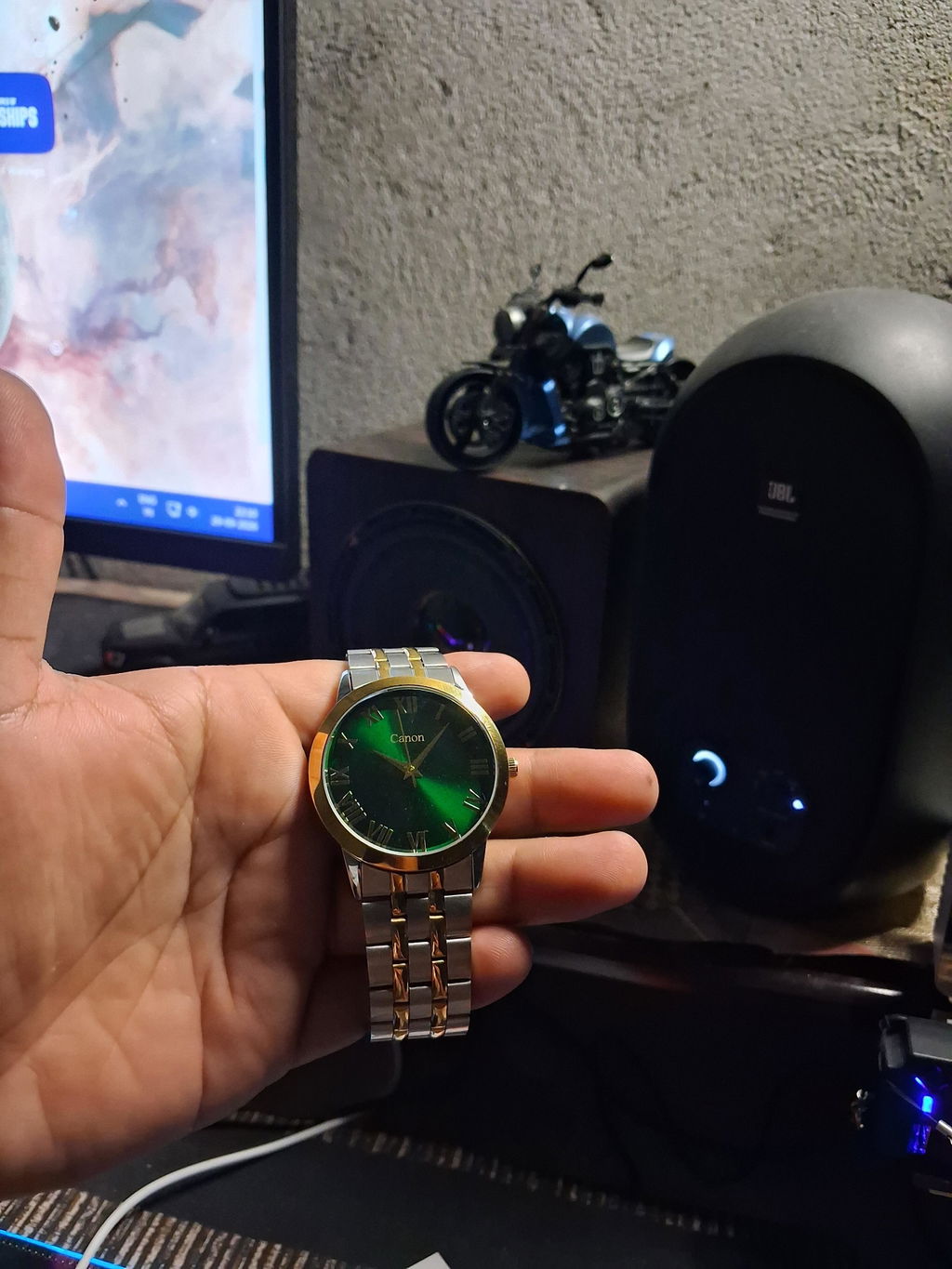
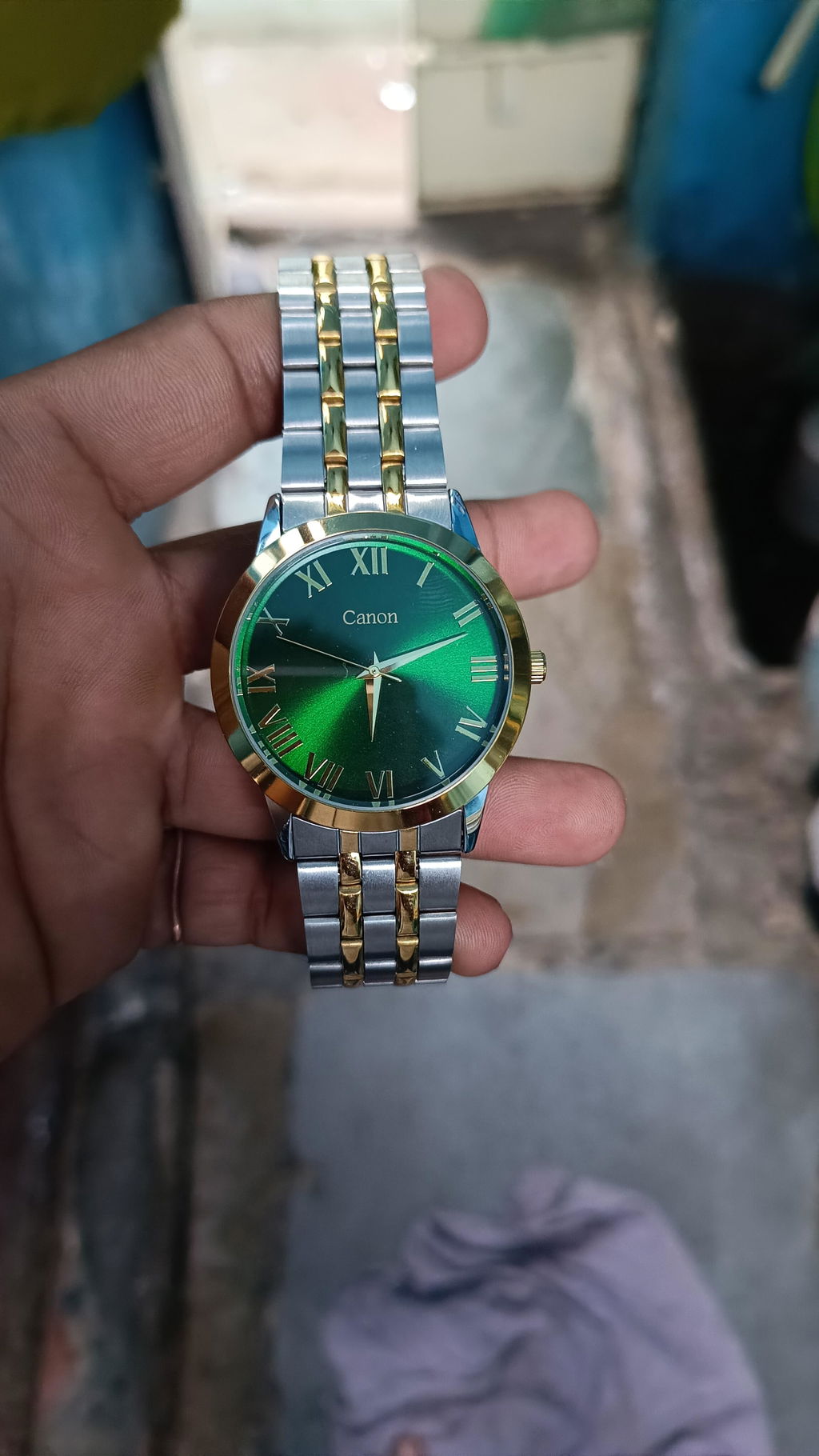
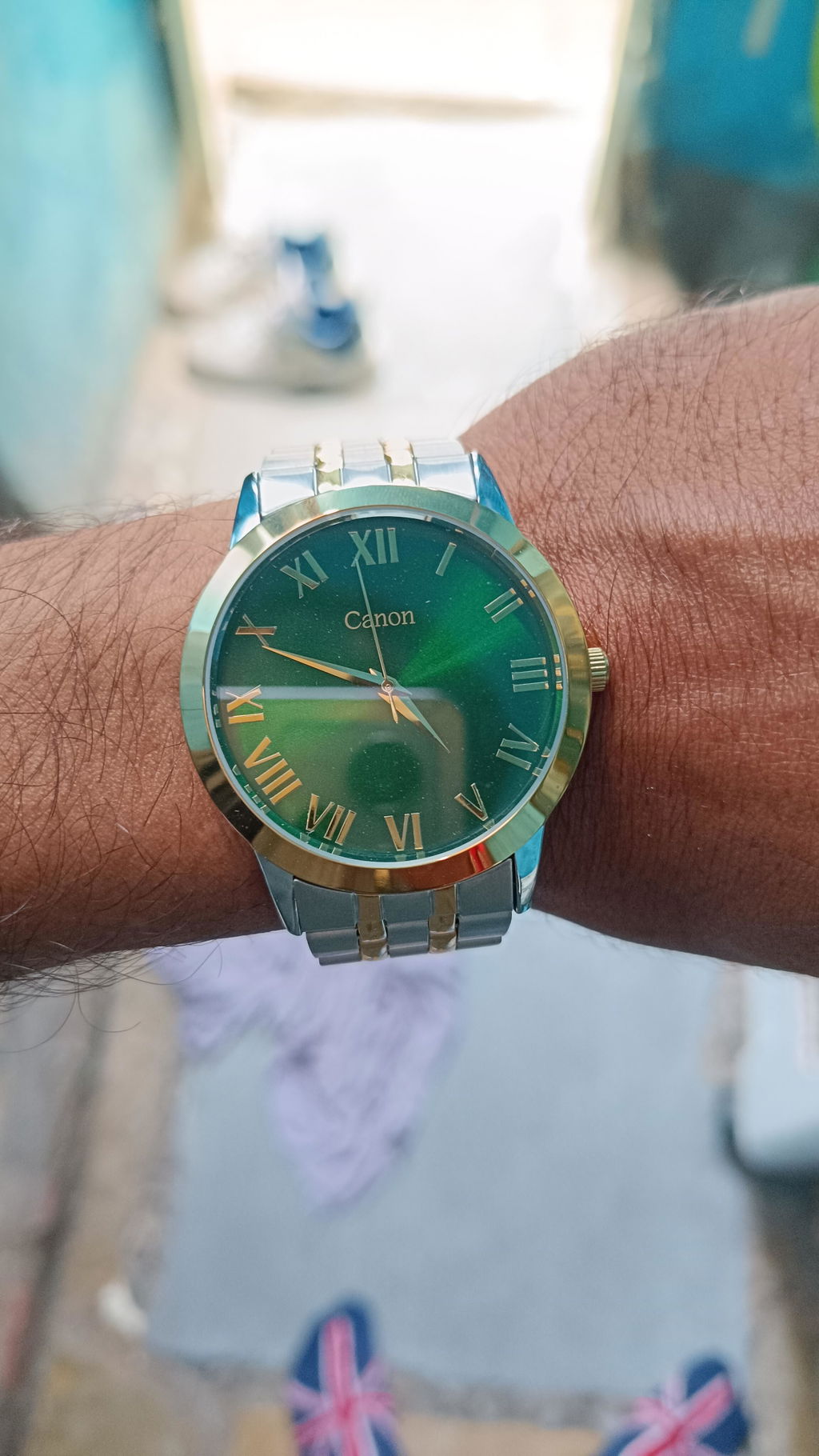
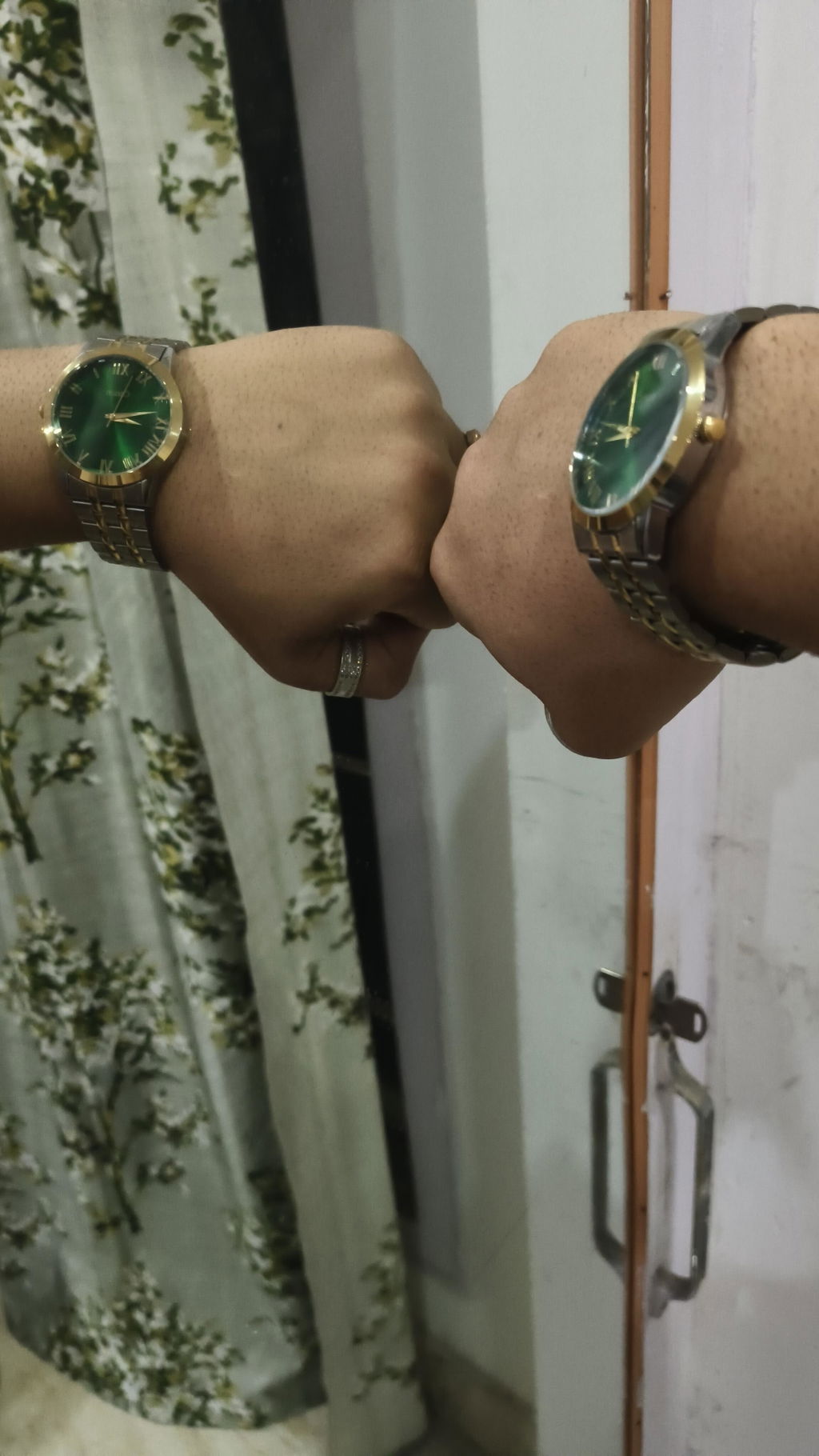
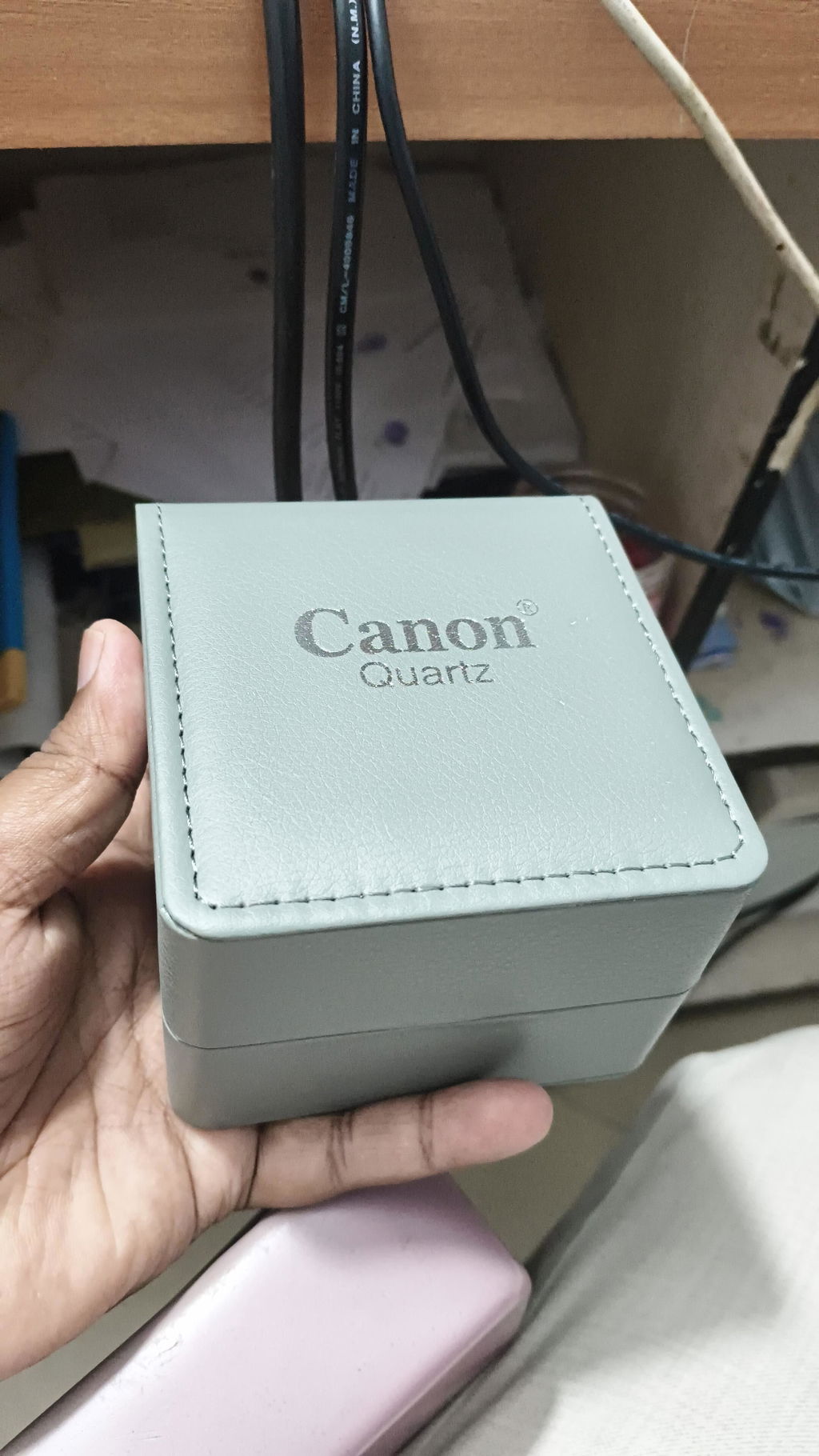
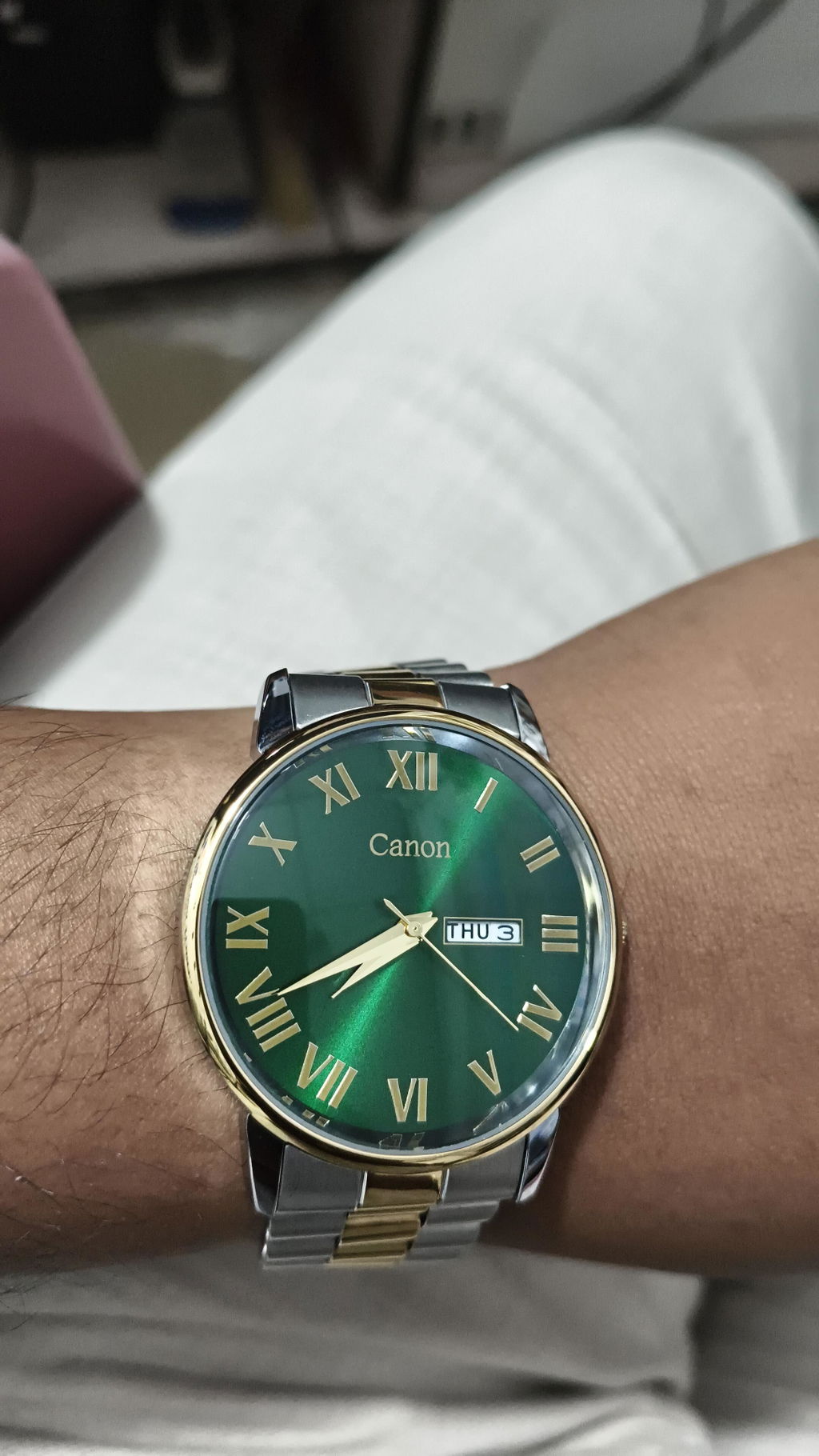
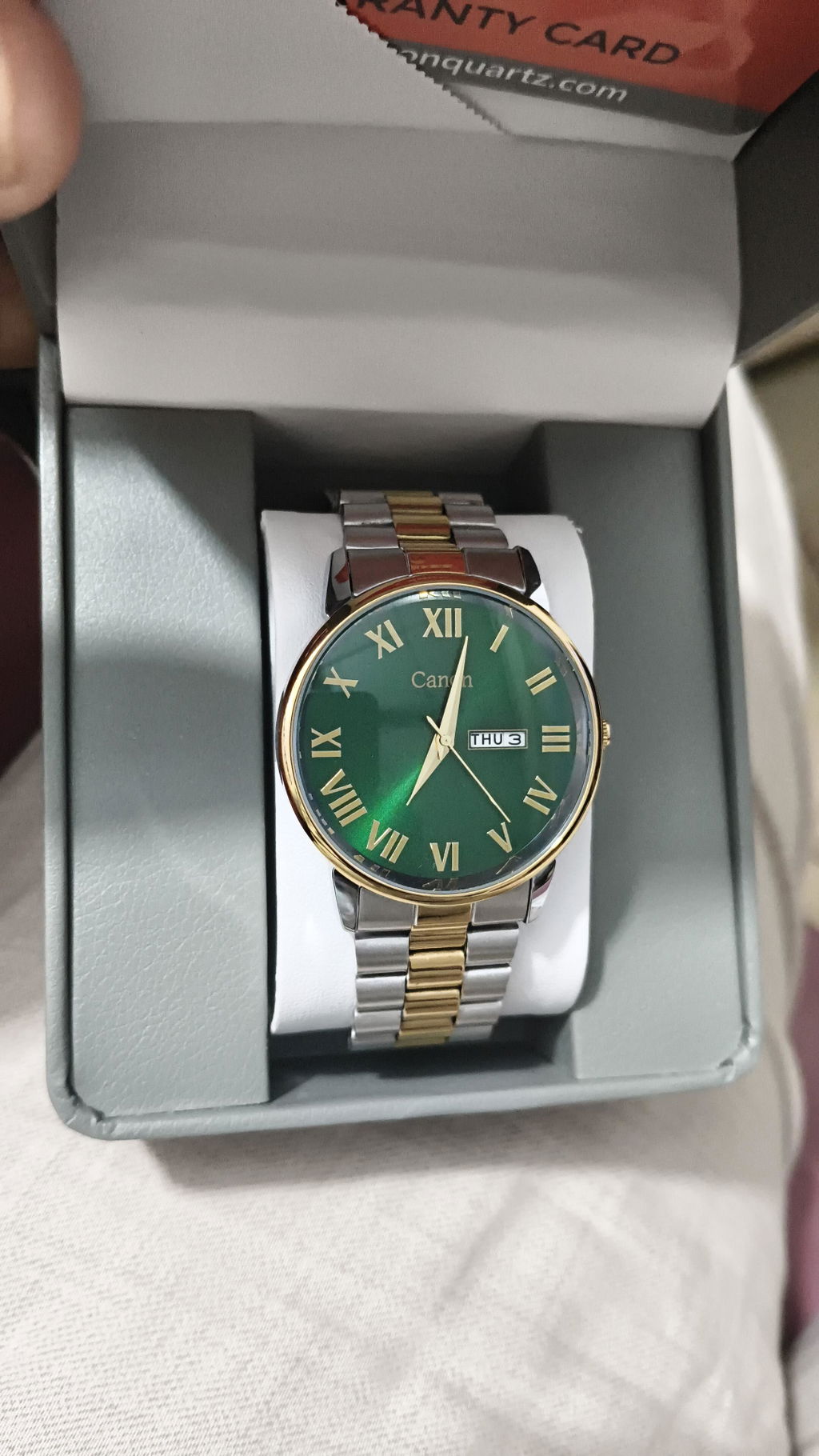
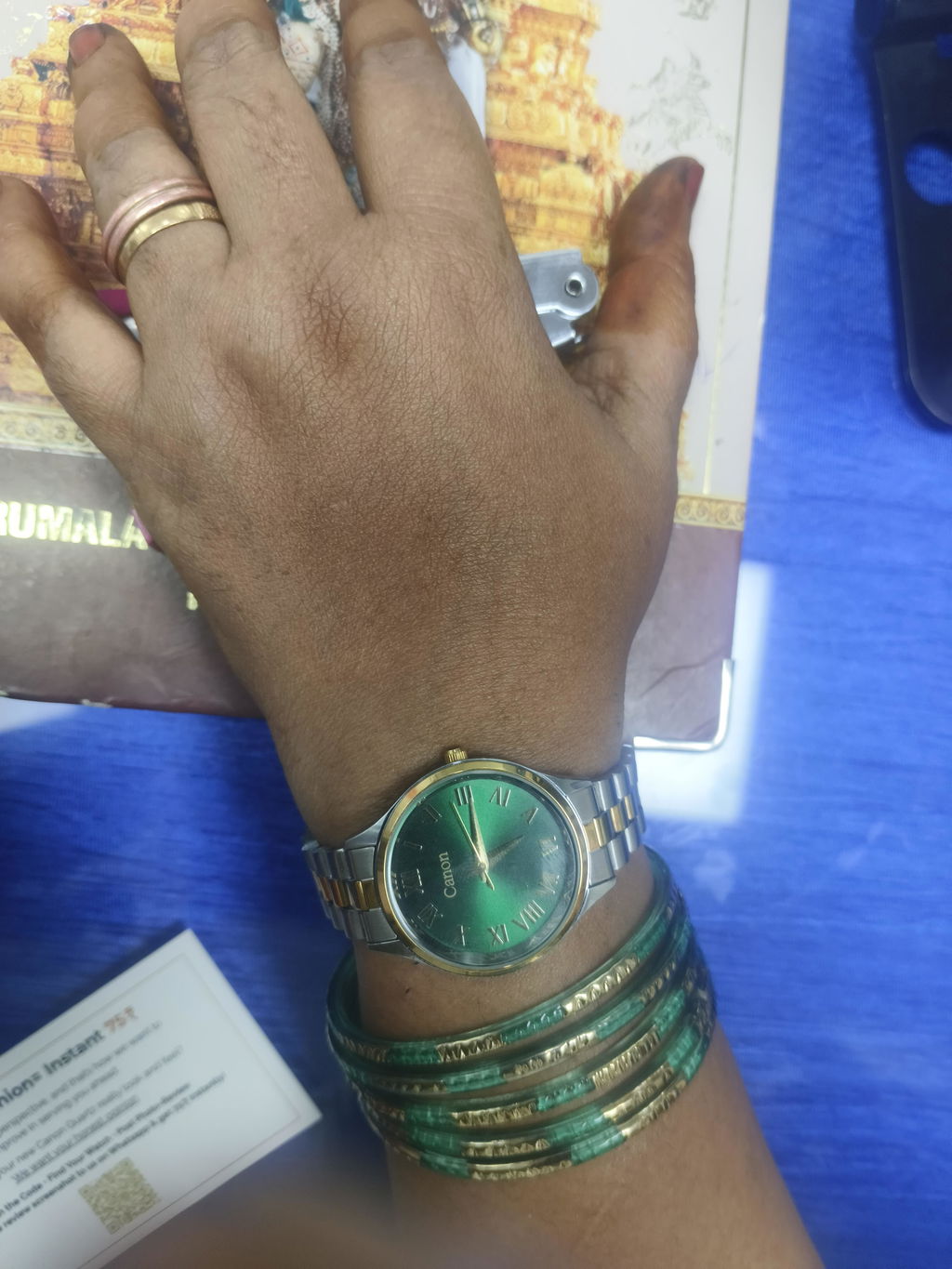
How to Wear a Butterfly Clasp Watch
How to Wear a Butterfly Clasp Watch
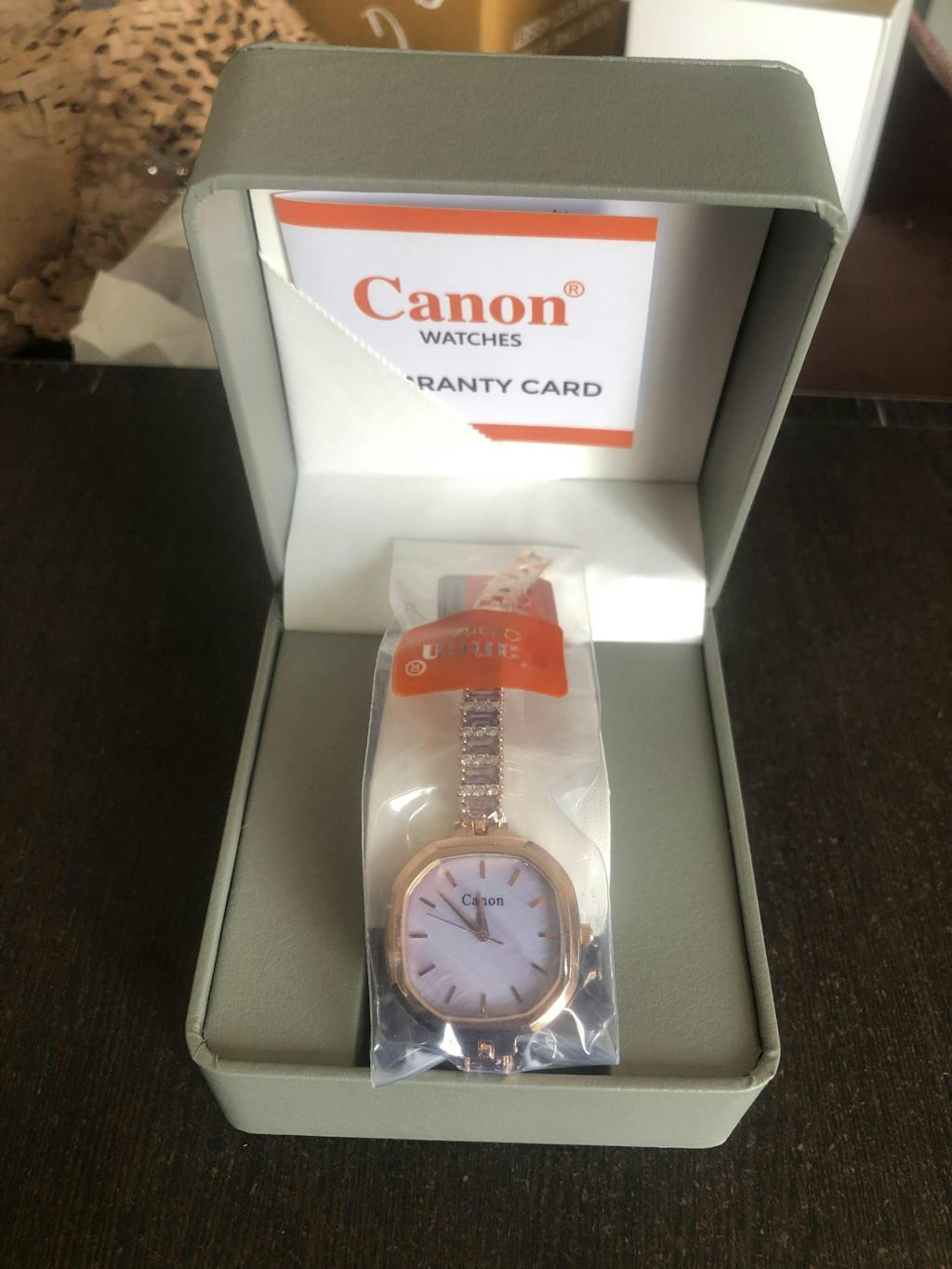
A butterfly clasp (also called a deployant clasp) is different from a standard buckle. If this is your first time, don't worry follow these simple steps and you'll have it on in under a minute.
What You'll Need
- Your Canon Quartz butterfly clasp watch
- A small pin tool or fingernail (to push the pin)
Step-by-Step Guide
Step 1 — Identify the Two Chain Belts
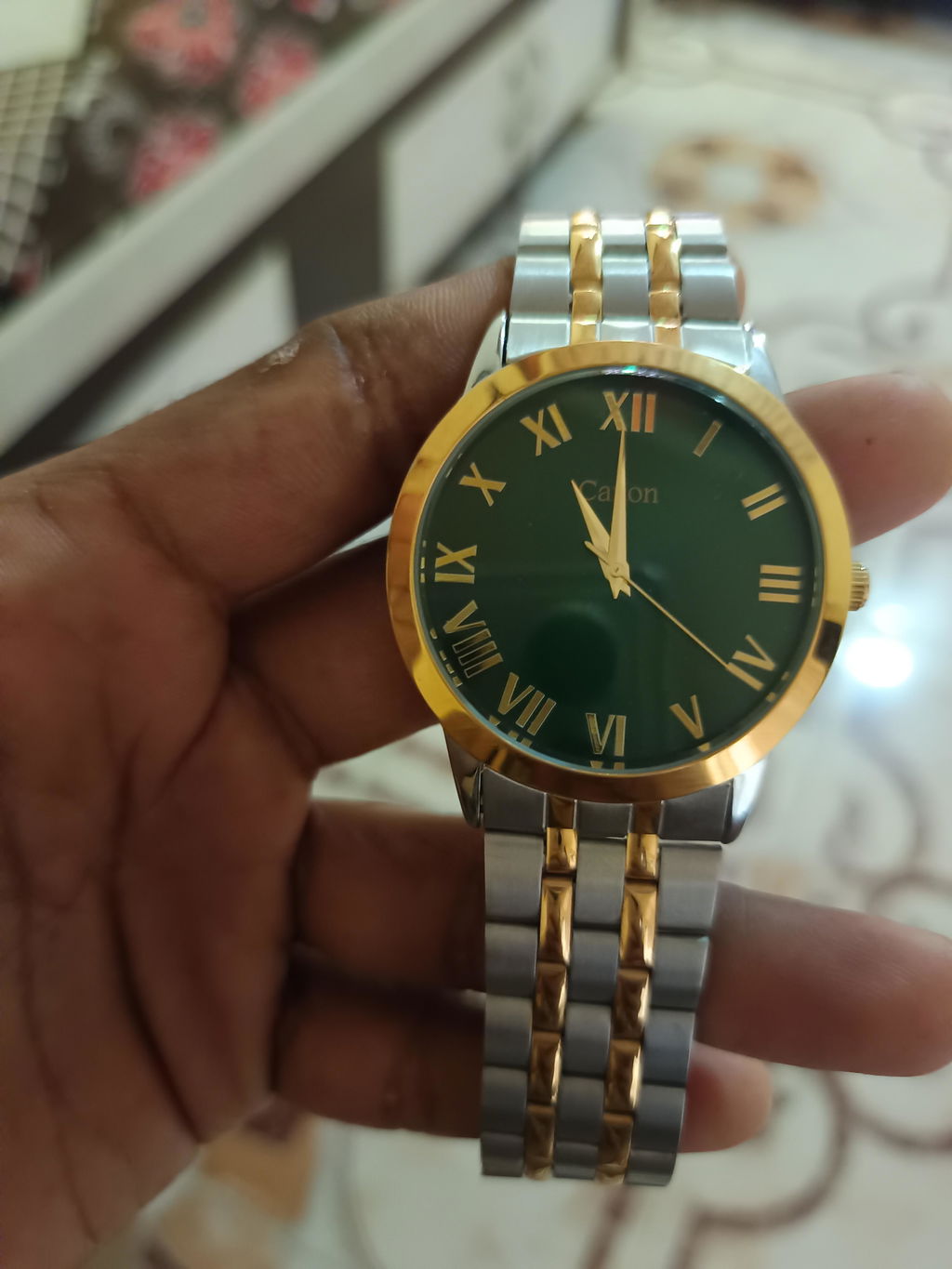
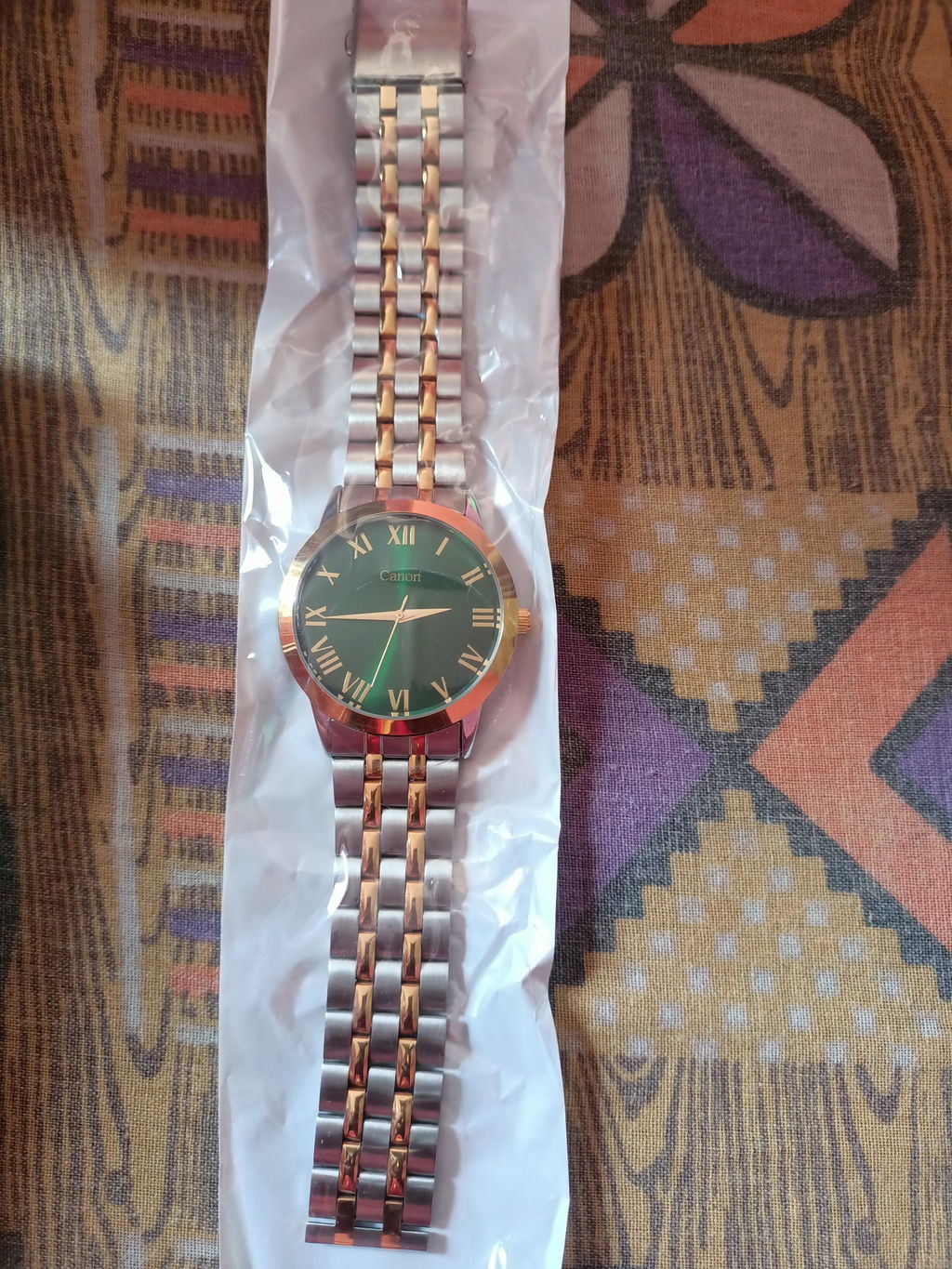
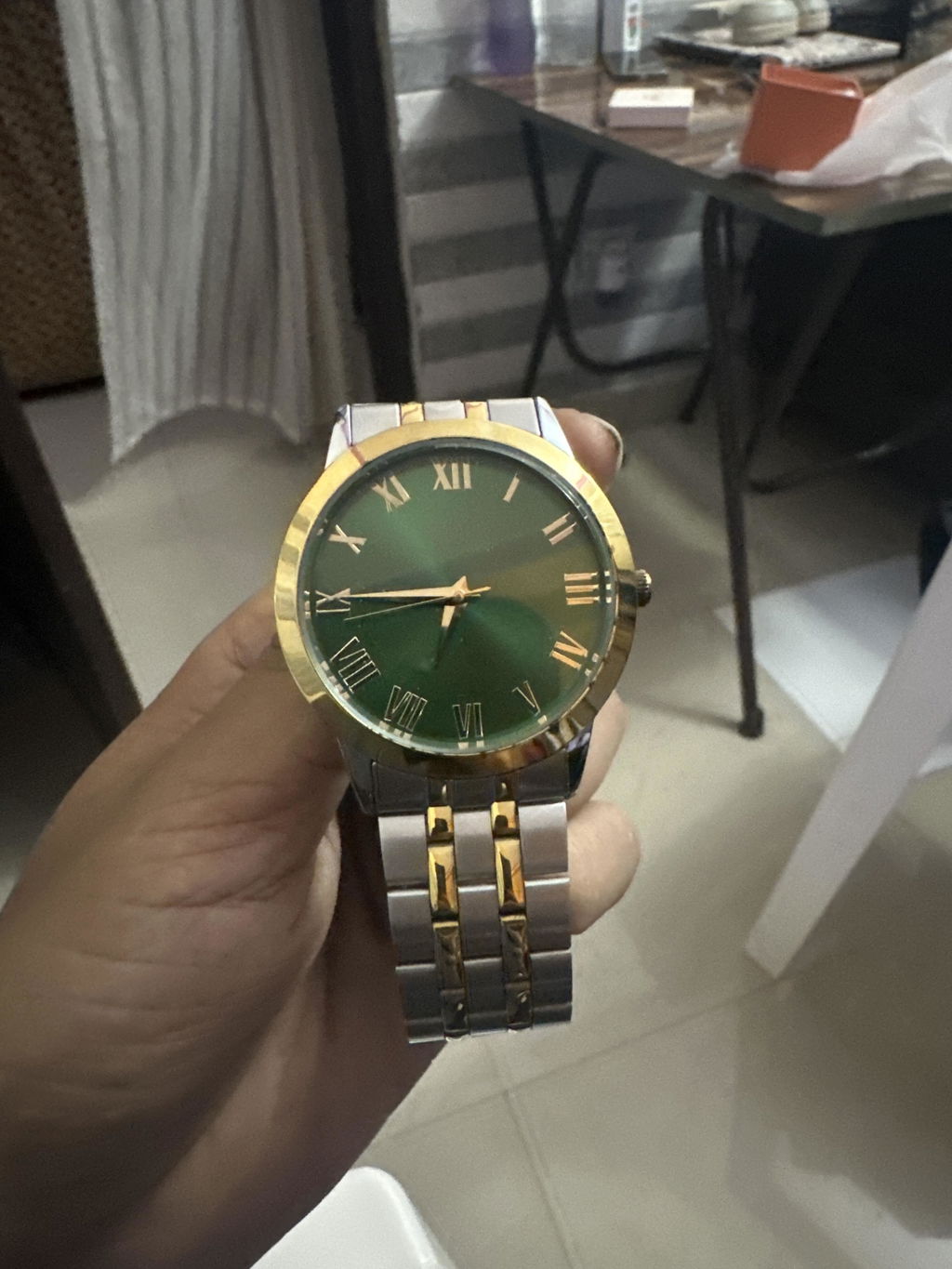
Your watch bracelet has two sections: an upper chain belt (attached to the watch case) and a lower chain belt (with the butterfly clasp). Lay the watch flat and locate the pin connecting the lower chain belt.

Step 2 — Remove the Pin from the Lower Chain Belt
Using your fingernail or a pin tool, gently push out the pin from the lower chain belt. Hold the pin carefully — do not lose it, as you'll need it in the next step.

Step 3 — Insert the Pin into the Upper Chain Belt
Take the pin you just removed and insert it into the upper chain belt at your desired size/fit link. Push it in firmly until it clicks or sits flush.

Step 4 — Join Both Chain Belts
Now bring both chain sections together. Align the butterfly clasp and press it shut until you hear a click. Both wings of the clasp should fold flat against your wrist.

Step 5 — Final Fit Check
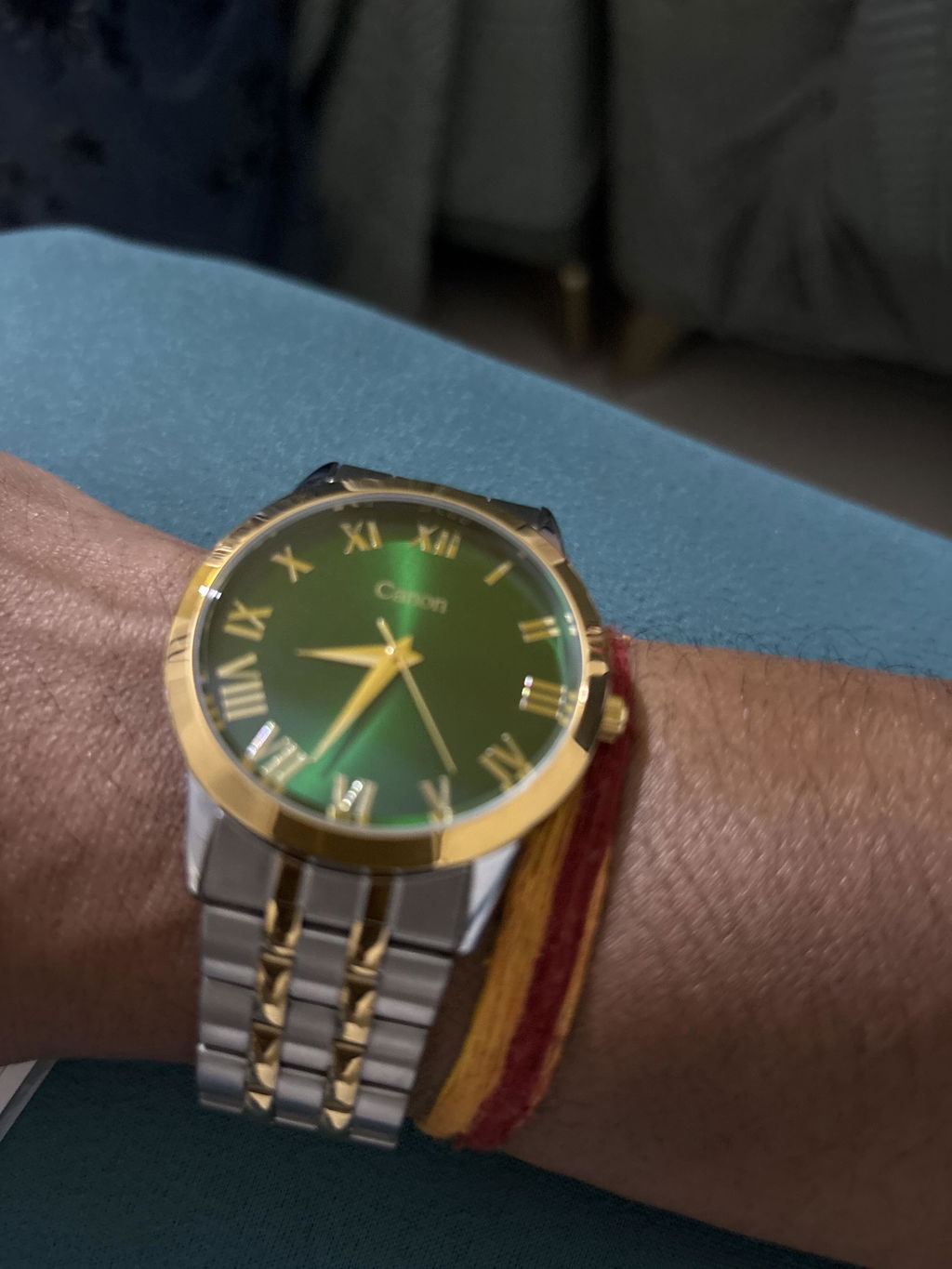
Slide two fingers under the bracelet. If they fit snugly without being too tight or too loose, you're good to go! If not, repeat from Step 2 and adjust to a different link.

Watch the Video Guide
coming soon
Frequently Asked Questions:
1. Can I adjust the size myself at home?
A. Yes! The pin system is designed for easy at-home adjustment. No tools are required for most adjustments.
2. What if the pin doesn't go in smoothly?
A. Make sure the links are properly aligned before inserting the pin. A slight wiggle while pushing usually helps it seat correctly.
3. I lost the pin, what do I do?
A. Contact us at our support page and we'll help you get a replacement.
Still confused? Reach out to us — we're happy to help!